Otherside ODK Templates for Your First World
Otherside's ODK provides starter templates for building playable worlds within a customized Unreal environment. The Otherside Development Kit builds on MSquared's World Builder, combining creator assets with shared multiplayer infrastructure. A first project starts with a supplied template and develops through Blueprint logic, compatible content and hosted world configuration. These parts handle different jobs: a character's local controls manage movement, networking shares relevant state and an uploaded map supplies the environment. On-chain interactions add another integration layer when the experience needs one. Understanding those boundaries helps you customize the starter project without assuming that every familiar Unreal feature behaves identically.
Bottom line: A starter template connects local character controls with shared networking, while hosted worlds load the creator's assets into a prebuilt client.
Shared Movement in a Starter World
Shared player movement in the underlying Morpheus Base Project uses a local character plus a separate networked actor. Its player controller and pawn handle local play. The character's Morpheus Actor carries the replicated state that connects that player with other clients. The ODK builds on this World Builder foundation, so a template provides a concrete starting structure for learning how those parts work together. Character control and the shared representation belong to different objects, even though players experience them as one character.
A supplied starter project makes those relationships easier to inspect before you replace its assets or extend its gameplay.
How Much Control Does an ODK Template Give the Creator?
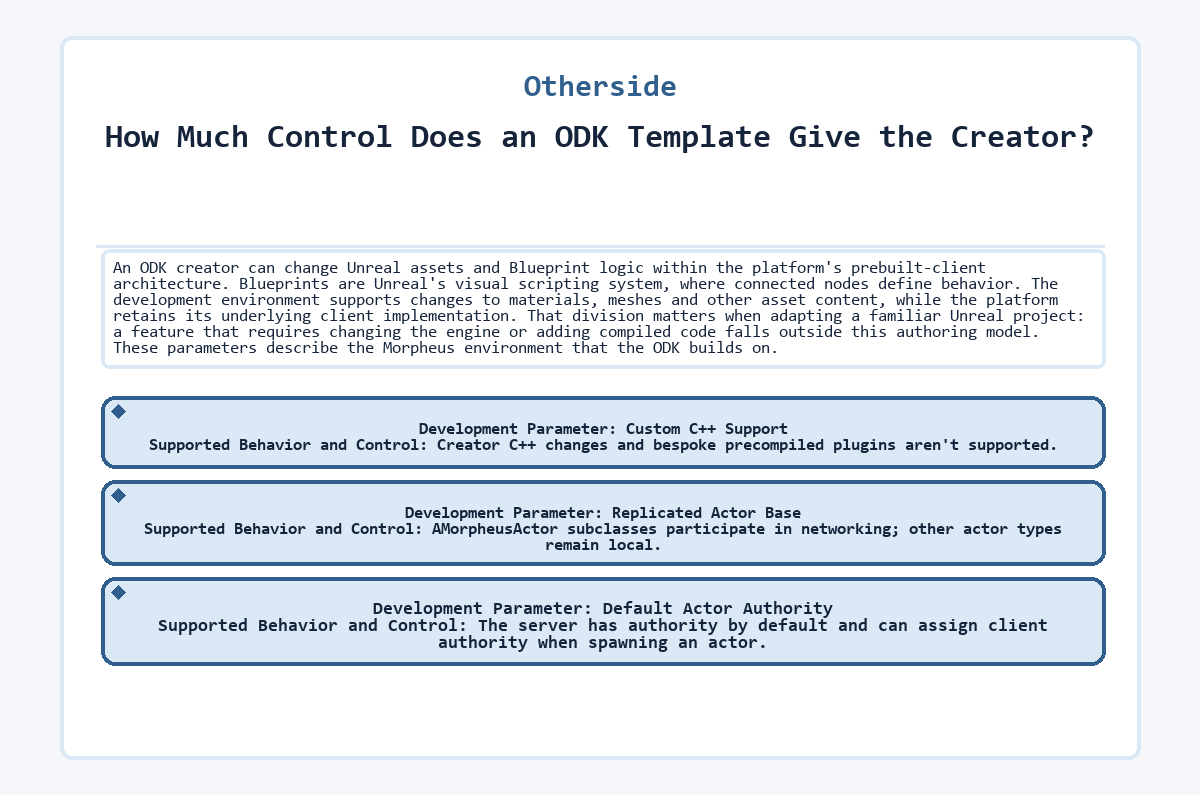
An ODK creator can change Unreal assets and Blueprint logic within the platform's prebuilt-client architecture. Blueprints are Unreal's visual scripting system, where connected nodes define behavior. The development environment supports changes to materials, meshes and other asset content, while the platform retains its underlying client implementation. That division matters when adapting a familiar Unreal project: a feature that requires changing the engine or adding compiled code falls outside this authoring model. These parameters describe the Morpheus environment that the ODK builds on.
| Development Parameter | Supported Behavior and Control |
|---|---|
| Custom C++ Support | Creator C++ changes and bespoke precompiled plugins aren't supported. |
| Replicated Actor Base | AMorpheusActor subclasses participate in networking; other actor types remain local. |
| Default Actor Authority | The server has authority by default and can assign client authority when spawning an actor. |
How Much Control Does an ODK Template Give the Creator?
An ODK creator can change Unreal assets and Blueprint logic within the platform's prebuilt-client architecture. Blueprints are Unreal's visual scripting system, where connected nodes define behavior. The development environment supports changes to materials, meshes and other asset content, while the platform retains its underlying client implementation. That division matters when adapting a familiar Unreal project: a feature that requires changing the engine or adding compiled code falls outside this authoring model. These parameters describe the Morpheus environment that the ODK builds on.
- Development Parameter: Custom C++ Support Supported Behavior and Control: Creator C++ changes and bespoke precompiled plugins aren't supported.
- Development Parameter: Replicated Actor Base Supported Behavior and Control: AMorpheusActor subclasses participate in networking; other actor types remain local.
- Development Parameter: Default Actor Authority Supported Behavior and Control: The server has authority by default and can assign client authority when spawning an actor.
Why Doesn't a Standard Unreal Actor Synchronize?
A standard Unreal actor doesn't synchronize because Morpheus uses its own networking implementation. Only actors that inherit from AMorpheusActor participate in Morpheus actor replication. An ordinary actor can still handle local behavior, but giving it a familiar Unreal replication setting doesn't change its base class. Shared objects need the platform's networked actor structure.
Properties need their own replication settings too. Morpheus variables aren't replicated by default, and the Blueprint editor exposes the settings that enable replication. The MorpheusBeginPlay event marks the point when networking functionality becomes available. That distinction affects where initialization logic and remote calls belong.
A remote procedure call, or RPC, requests execution on another machine. Morpheus permits any client to invoke a Server RPC on any Morpheus Actor. Sensitive server handlers therefore need caller validation; actor authority alone doesn't restrict who can request an action. The AuthoritativeClientCalledServerRpc helper checks whether the caller has authority over that actor.
Avatar Compatibility Before World Integration
NFT avatar collections need GLB models rigged to the UE5 skeleton and Yuga's approval before holders can use them in Otherside. Host the GLB models and each token's MML file publicly, and link the MML file through the token metadata's lowercase mml field. Once those files and metadata are ready, submit the avatar intake form and open an Otherside Discord ticket. Yuga reviews the collection before whitelisting its contract; without the ticket, integration can't proceed. ODK experience designers can use custom characters and set limits on them. Using custom characters in the mainline Otherside experience requires an unlock.
Otherside avatars use Metaverse Markup Language (MML) wrappers. MML describes interactive objects and characters for reuse across experiences that adopt the format.
Uploaded Content and Hosted World Controls
Uploading content packages the selected Unreal levels into a mod that the hosting platform can load. The first upload creates a mod, while later uploads create new versions of that content. Content uploads store only cooked Unreal assets. Cooking prepares assets for runtime use; it doesn't preserve the editable project. Keep the source project in its own backup or version-control system, because the hosted package can't reconstruct those original files.
A hosted world runs selected content under its own configuration. The dashboard lets you change the map, mod, world size and running duration only while the world isn't running. Access settings determine who can join. The platform separates uploading a content version from starting a world, so an upload record doesn't establish that a playable session is active.
Developer permissions govern editor access, uploads and world launches within the assigned project. Before publishing, the creator needs that project access. Authentication for the initial upload uses the same account as the dashboard.
On-Chain Connections Alongside Gameplay Replication
The ODK supports on-chain interactions alongside multiplayer synchronization, allowing blockchain-connected features within a playable experience. Replication shares gameplay state between the server and clients. A blockchain integration handles the operation that its contracts and network support. Those mechanisms have different completion conditions, so a visible game response alone can't establish that a transaction has completed. The particular integration determines whether an interaction reads existing blockchain state or requests a transaction. Its contract behavior and authorization requirements define the blockchain portion of the experience.
Efficient Rendering for Crowded Spaces
Morpheus separates a networked actor from the representation that a client renders, which helps manage the cost of crowded worlds. Render targets can change with the configured level of detail. Actor pooling reuses representations instead of repeatedly creating and destroying them, reducing that overhead at the cost of retained memory. Custom visual components need to reset their state when pooled actors change owners. Content size also affects the initial loading delay because the client loads creator content at runtime. Command Line built the publicly released Bathroom Blitz with the ODK.
Otherside - common questions
Does the ODK's World Builder Editor Run on macOS?
No. The Morpheus World Builder editor supports only Windows 10 and Windows 11. This requirement concerns the authoring environment that the ODK builds on, so access to a playable client doesn't establish editor compatibility. Hardware needs follow Unreal Editor's requirements and vary with the scale of the project.
Who Grants the Permissions Needed to Upload an ODK World?
An administrator grants development permissions through the platform's access groups. Developer access includes an assigned project, which determines where the creator can download tooling, upload content and launch worlds. Signing in as a player doesn't by itself grant those development permissions.
What Causes the 'Multiple Plugins Found to Upload' Error?
The upload error occurs when more than one project plugin lacks the M2Library: true descriptor tag. The platform still requires one primary plugin, although uploads can include its dependencies. Inspect each project plugin's descriptor and leave one primary plugin without that library designation.
Why Do Old Character Event Handlers Keep Firing After Pooling?
A pooled render target can retain delegates bound to its previous Morpheus Actor. Reusing the representation doesn't automatically make those old subscriptions appropriate for its new owner. Morpheus v29 added automatic removal of old bindings through the Pooling.RemoveDelegatesBoundToOldMorpheusActor live config flag. If that cleanup isn't enabled, custom pooling logic must remove the old bindings. Bind the handlers for the new owner when the actor returns to play.
Will a Replicated Property Report Every Intermediate Change?
Property replication doesn't guarantee that a client receives every intermediate value. The client eventually reflects the authoritative value while the property remains relevant to it, though rapid changes can skip intermediate notifications. When the actor moves below the property's configured network level, that property stops receiving updates. Gameplay that needs each event must account for that distinction instead of treating a replicated property as a complete event history.
Can Live Configuration Change While an ODK World Is Running?
The underlying platform supports Live Config changes while a world runs. Dashboard changes propagate to clients and servers in real time. This capability applies to supported live configuration values; it doesn't make every world setting editable during a session. Content selection, world size and running duration can only be changed while the world isn't running.
How Can Local Project Settings Behave Differently After Publication?
A hosted world loads creator content into a prebuilt client, so some local configuration changes don't carry into deployment. The platform doesn't support every configuration file or direct modification to engine content. A setting that works in a local project therefore needs a supported deployment mechanism to affect the hosted experience.
What Happens to Runtime State When a Hosted ODK World Restarts?
A world restart loses runtime state that the experience hasn't persisted. The underlying hosting platform supports persistence mechanisms, but uploading a map doesn't itself preserve every change that occurs during play. Durable game progress needs an appropriate persistence design alongside the world's content and networking.